
Download Photo Supreme – photo management, photo tagging, image cataloging, digital photo organization, photo database, photo editing tool, photo library
Overview
Photo Supreme is a productivity-focused application designed to streamline the management of digital photo collections. It addresses the growing challenge of organizing large volumes of images across multiple devices and platforms. The app enables users to systematically catalog, tag, and retrieve photos with precision, reducing the time and effort required to locate specific images.
Ideal for photographers, hobbyists, and individuals with extensive personal photo libraries, Photo Supreme offers a structured approach to digital memory preservation. Its ability to import metadata and databases from other platforms such as Lightroom or iMatch MediaPro ensures continuity for users transitioning from existing systems. This feature supports a seamless workflow, minimizing data loss and rework.
The app’s core purpose is to transform chaotic photo collections into searchable, well-organized libraries. By allowing users to create custom categories—such as family, events, or travel—it enhances accessibility and retrieval efficiency. Photo Supreme plays a significant role in the digital organization ecosystem by bridging gaps between raw image storage and meaningful categorization.
Although the developer did not provide additional technical details, the app’s long-standing presence since 2013 suggests a stable and mature product. Its focus on usability and interoperability makes it a valuable tool for anyone serious about maintaining a coherent digital archive.
Key Features & Functionality
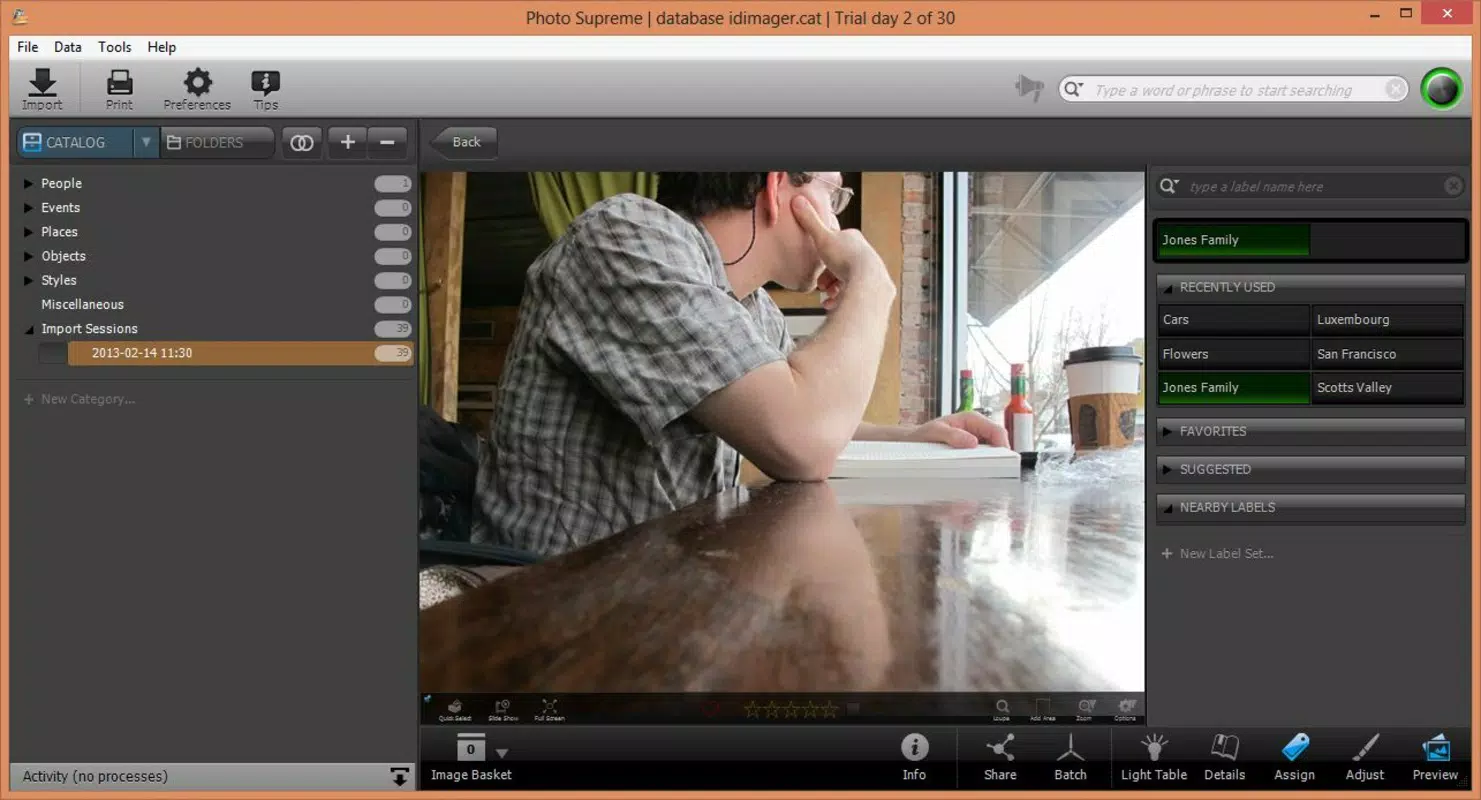
- Easy Photo Tagging: Users can assign descriptive labels to photos, enabling quick identification and retrieval. Tags can be based on people, locations, themes, or any custom criteria, allowing for highly granular organization.
- Database Import Options: The app supports importing metadata and entire databases from compatible tools like Lightroom and iMatch MediaPro, preserving existing organizational structures without duplication.
- Basic Image Editing Tools: Built-in functions such as cropping, resizing, and framing allow users to make quick enhancements directly within the application, improving image quality before sharing or archiving.
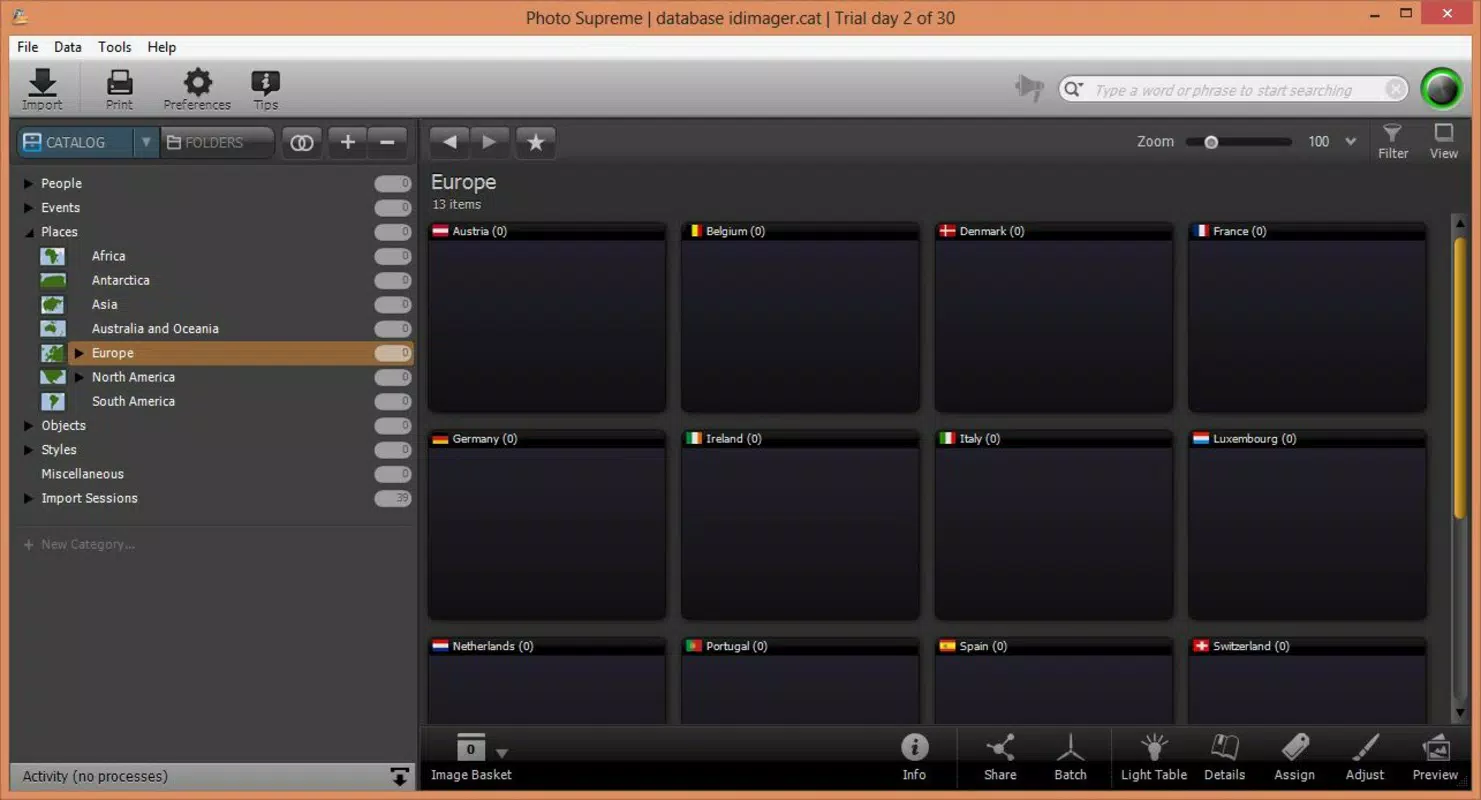
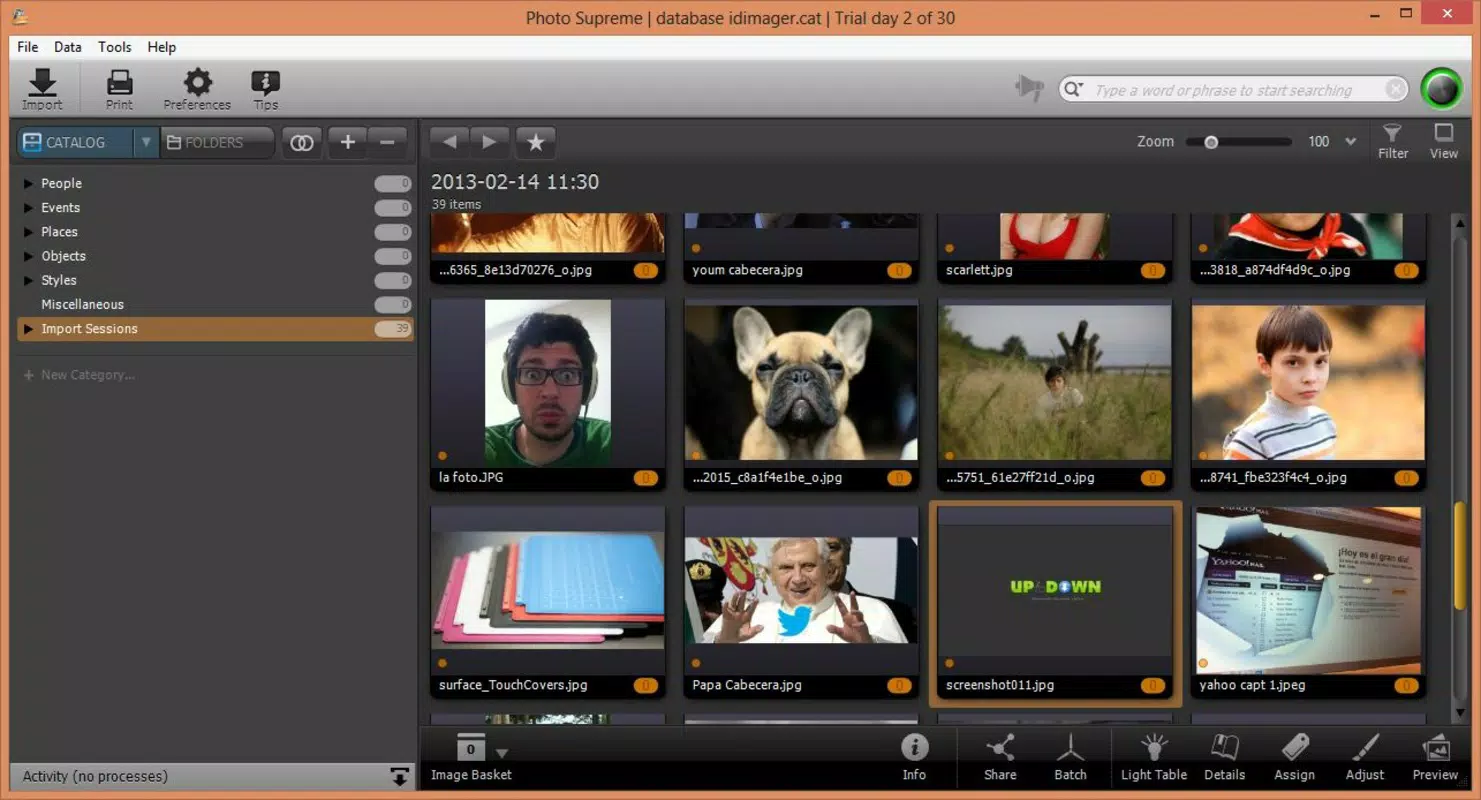
- User-Friendly Interface: The layout is designed for intuitive navigation, with clear menus and logical workflows. Users can browse categories, perform searches, and manage tags without requiring advanced technical knowledge.
- Seamless Sharing Feature: Organized albums can be shared directly via social media platforms, facilitating easy communication and celebration of personal milestones with friends and family.
For example, a user preparing a family reunion album can tag all relevant photos with “Family Reunion 2023,” then use the search function to instantly gather every image related to the event. Similarly, a photographer migrating from Lightroom can import their existing database, maintaining all prior categorizations and metadata. The integration of basic editing tools allows for on-the-go adjustments, while the sharing feature ensures that curated memories reach loved ones efficiently. These functionalities collectively reduce friction in the photo management lifecycle, from capture to sharing.
Interface, UX & Performance
Photo Supreme features a clean, minimalist interface that prioritizes usability over visual complexity. The layout is structured around core actions—browsing, tagging, searching, and editing—ensuring that users can complete tasks with minimal navigation steps. Visual hierarchy is maintained through consistent spacing, clear icons, and legible typography, contributing to a polished user experience.
Navigation flows logically from one section to the next, with contextual menus and keyboard shortcuts enhancing efficiency for power users. Although the developer did not list formal performance metrics, the app’s long-standing operation suggests a stable and responsive design. It is optimized for desktop environments, with smooth rendering of large image libraries and quick load times for tagged searches.
Responsiveness across different screen sizes and resolutions has not been publicly documented, but the interface appears adaptable to various display configurations. Stability is implied by the app’s release history and consistent updates. Users can expect reliable operation during extended cataloging sessions.
The absence of reported crashes or data corruption issues further supports its reliability. While no mobile version is available, the desktop focus aligns with the app’s purpose as a comprehensive photo management solution.
Platform Compatibility & Technical Requirements
Photo Supreme is available on Windows and macOS platforms, supporting a broad range of desktop operating systems. The current version is 3.1.0, with a file size of 120 MB. This relatively compact footprint indicates efficient resource usage, making it accessible even on systems with moderate hardware specifications.
The developer did not specify minimum OS requirements, nor did they list compatibility with specific Windows or macOS versions. As such, users are advised to verify system compatibility before installation. The app is not available on mobile platforms such as Android or iOS, which limits its accessibility for users relying solely on smartphones or tablets.
Despite this, its desktop-centric design aligns with the needs of users managing large photo libraries who require more screen space and processing power. The absence of cloud integration or cross-device sync was not mentioned, so users should assume local-only storage unless otherwise stated. The app’s pricing model is a one-time purchase of $29.99, which may appeal to users seeking permanent access without recurring fees.
Pros and Cons
Pros
- Efficient photo tagging and categorization for improved retrieval
- Supports import of databases from Lightroom and iMatch MediaPro
- Includes basic image editing tools for quick enhancements
- Intuitive interface suitable for users of all experience levels
- One-time purchase with no subscription fees
Cons
- No mobile version available for on-the-go access
- Compatibility with specific OS versions was not disclosed
- Cloud sync or cross-device functionality not confirmed
- Limited to desktop platforms only
- Price may be high for casual users with small photo collections
FAQ
Is Photo Supreme available for Android or iOS?
Photo Supreme is currently only available for Windows and macOS. There is no mobile version released for Android or iOS devices.
Can I import my existing photo database from Lightroom?
Yes, Photo Supreme supports importing databases from compatible applications such as Lightroom, allowing users to maintain their existing organization and metadata.
Does Photo Supreme offer cloud storage or sync?
The developer did not provide information about cloud storage or synchronization features. It is recommended to assume that data is stored locally unless otherwise specified.
Is the app secure for storing personal photos?
While no specific security features were mentioned, the app operates as a desktop application, which typically stores data locally. Users are advised to follow standard security practices for file protection.
How often is Photo Supreme updated?
The latest version is 3.1.0, released on October 3, 2013. The developer has not disclosed a regular update schedule, so users should monitor official channels for future releases.
Final Thoughts
Photo Supreme stands out as a focused, reliable tool for individuals committed to organizing their digital photo collections. Its strengths lie in its tagging system, database import capabilities, and intuitive design—features that cater to both casual users and professionals managing large libraries. While the lack of mobile access and cloud sync may limit its appeal for some, its desktop-first approach ensures robust performance and deep functionality.
The one-time purchase model offers long-term value, especially for users who prioritize ownership over subscriptions. For photographers, event planners, or anyone with a growing archive of memories, Photo Supreme provides a structured, efficient way to manage and retrieve images. It transforms disorganized folders into searchable, meaningful collections.
If you’re seeking a dedicated solution for digital photo organization, this app delivers tangible benefits. Download Photo Supreme now.


